
Talking-Head Video Editing: How to Keep Viewers Watching One Person Talk
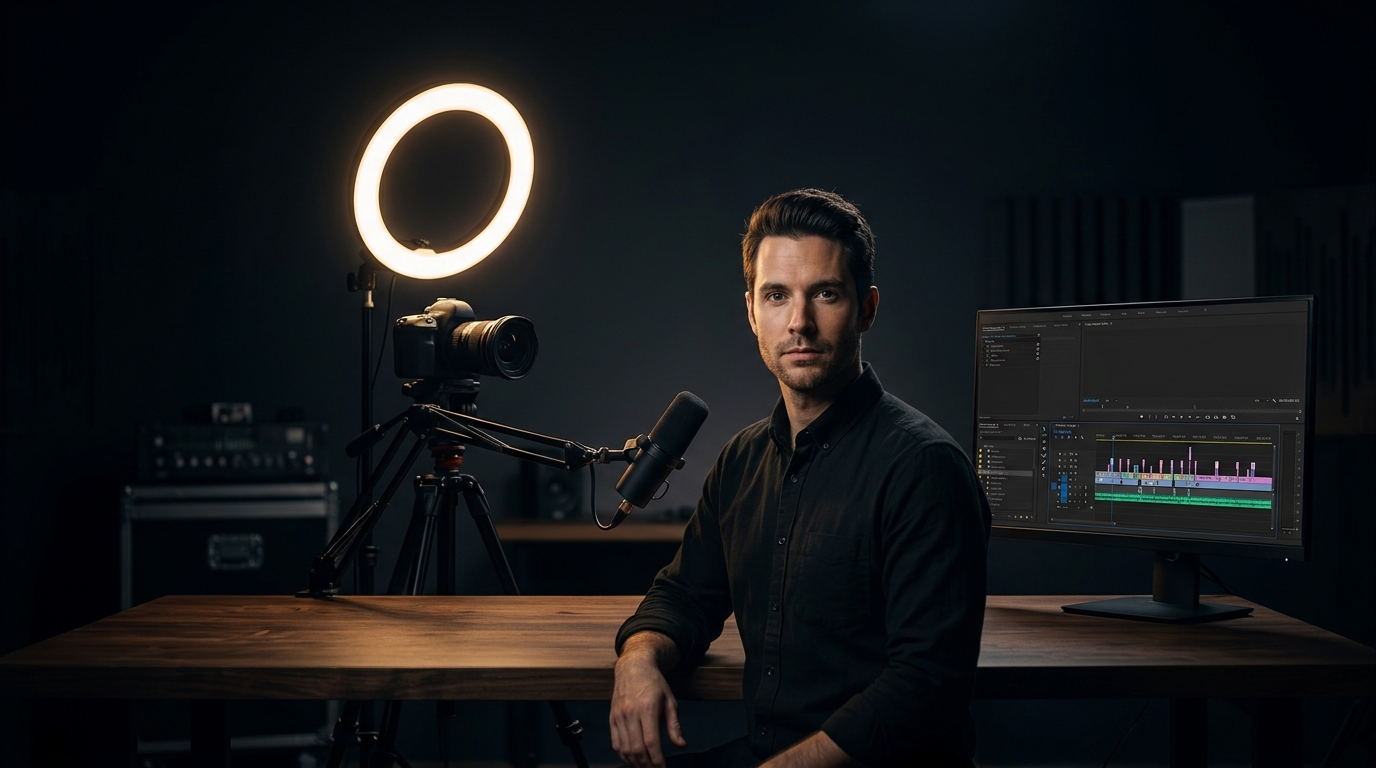
Talking-head content — podcasts, interviews, solo camera videos — has no props to hide behind. If the edit doesn't hold attention, nothing else in the frame will save it. A few techniques do most of the work.
Cut every pause, "um," and dead air aggressively. This is the single biggest lever in talking-head editing. Tightening pauses without making speech sound unnatural is what separates a crisp cut from a sluggish one.
Use jump cuts intentionally, and hide them with subtle zooms. A straight jump cut can feel jarring. A slight zoom-in or zoom-out timed to the cut smooths the transition and keeps the eye engaged without needing B-roll.
Introduce simple on-screen text for key points. When someone says a number, a name, or a claim worth remembering, a short text overlay reinforces it — and gives viewers watching on mute a reason to stay.
Vary shot framing if multiple camera angles exist. Cutting between a wide shot and a close-up every 20–40 seconds, even subtly, prevents the visual monotony of a static frame.
Use sound design to punctuate, not distract. A subtle whoosh on hard cuts and light music under the talk (ducked below dialogue) adds energy without competing with what's being said.
Don't over-cut. Removing every pause and breath can make speech sound robotic. The goal is tighter, not sterile — leave enough natural rhythm that it still sounds like a person talking.
Good talking-head editing is mostly invisible. Viewers won't notice the cuts — they'll just notice that the video didn't feel long.
Want edits like this?
Send your footage and I’ll turn it around fast — packages from US$50.
Keep reading
Motion Graphics for Social Media: When They Help (and When They Just Slow You Down)
Motion graphics can elevate a video — or bury a simple message under unnecessary polish. Here's how to know when they're worth the extra time.
Read articleHow to Brief a Video Editor So You Get the First Draft Right (No Back-and-Forth)
A vague brief is the number one reason first drafts miss the mark. Here's exactly what to include so your editor nails the cut on the first try.
Read article