
Motion Graphics for Social Media: When They Help (and When They Just Slow You Down)
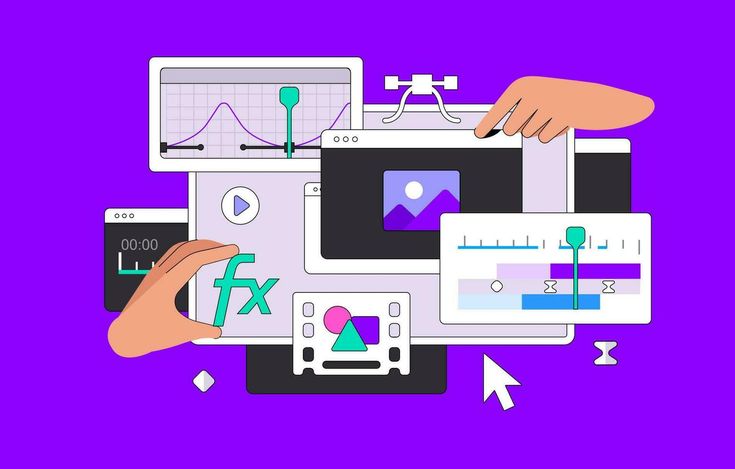
Motion graphics get treated as an automatic upgrade, but used in the wrong place they slow down both the edit and the message. Knowing when to reach for them — and when not to — matters more than how good they look.
Use motion graphics for data, numbers, and comparisons. A stat, a before/after, or a price breakdown lands harder with a clean animated callout than with the presenter just saying it out loud. This is where motion graphics earn their place.
Use them for titles and section breaks in longer content. A short animated title card helps long-form videos feel structured and signals to viewers that a new segment is starting — useful for retaining attention across a 10+ minute video.
Skip them for simple talking-head clips or fast trend-based content. If the message is a single clear point delivered on camera, added motion often distracts more than it clarifies — and on TikTok specifically, heavy motion graphics can make content read as "ad-like," which tends to hurt performance.
Skip them when speed matters more than polish. Trend-based Reels and Shorts often need to go out within hours to catch a moving trend. Motion graphics add production time that can cost the window entirely.
The general rule: motion graphics should support a specific point (a number, a transition, a structure) — not decorate a video that would communicate just as well without them. The best use of motion graphics is often the one viewers don't consciously notice, because it made something clearer rather than just making it prettier.
Want edits like this?
Send your footage and I’ll turn it around fast — packages from US$50.
Keep reading
Talking-Head Video Editing: How to Keep Viewers Watching One Person Talk
No B-roll, no cutaways — just one person and a camera. Here's how editing alone can keep a talking-head video from losing viewers halfway through.
Read articleHow to Brief a Video Editor So You Get the First Draft Right (No Back-and-Forth)
A vague brief is the number one reason first drafts miss the mark. Here's exactly what to include so your editor nails the cut on the first try.
Read article